| DST | Optimizations | Alerts | Measurements | Information | Certificates |
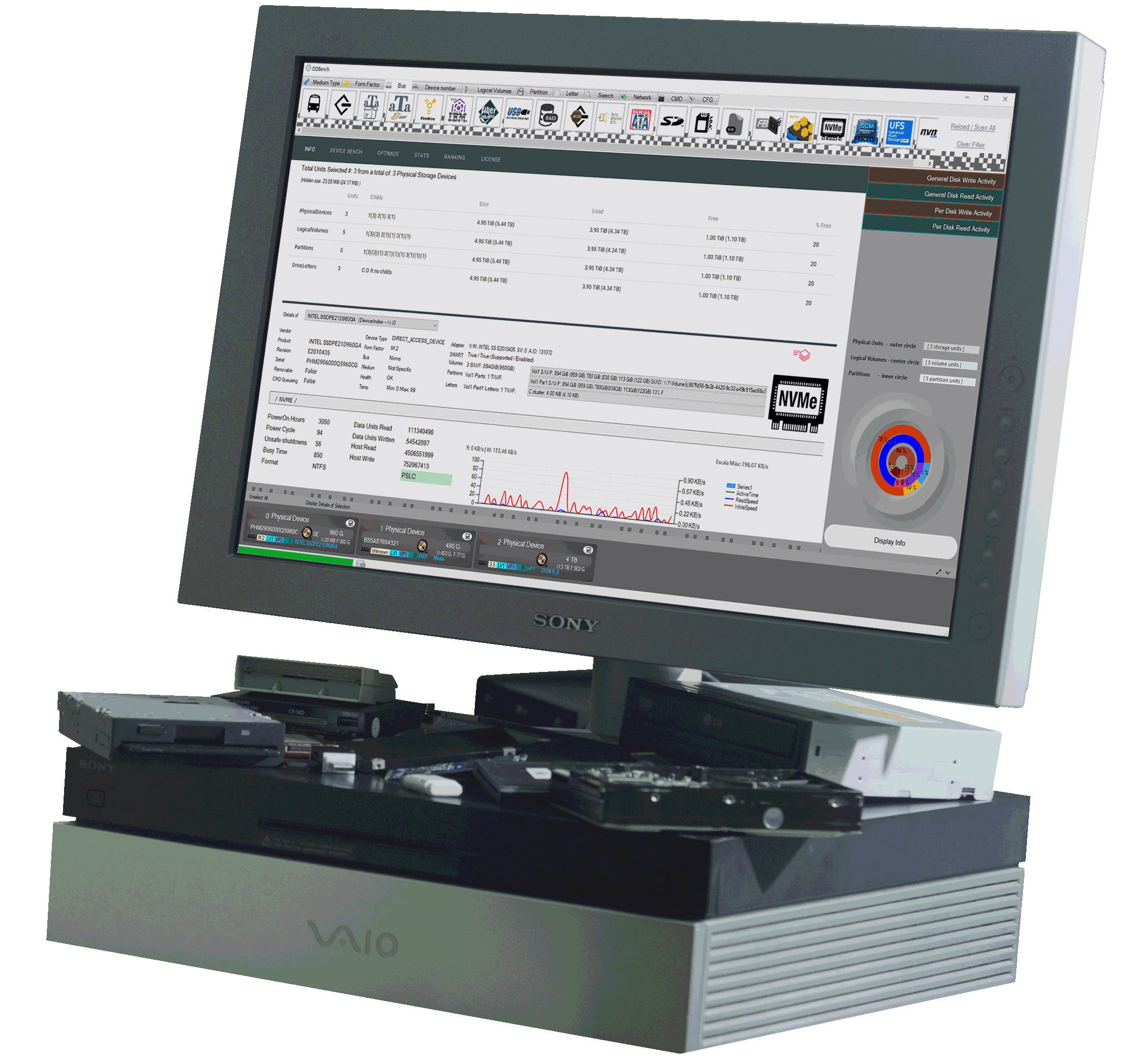
DST BenchProfessional tool for the analysis and measurement of storage units. Real-time read/write information and graphs. Customizable presets. Any device, analog or digital, on any Windows™ computer. |
| |
||
Any kind of storage unit
DST allows you to analyze and measure the speed, bandwidth, and read/write operations of virtually any type of storage device, whether analog or digital.
This includes all types of drives, from the era of hard disk drives (HDDs) to the most modern NVMe drives. |
||
|
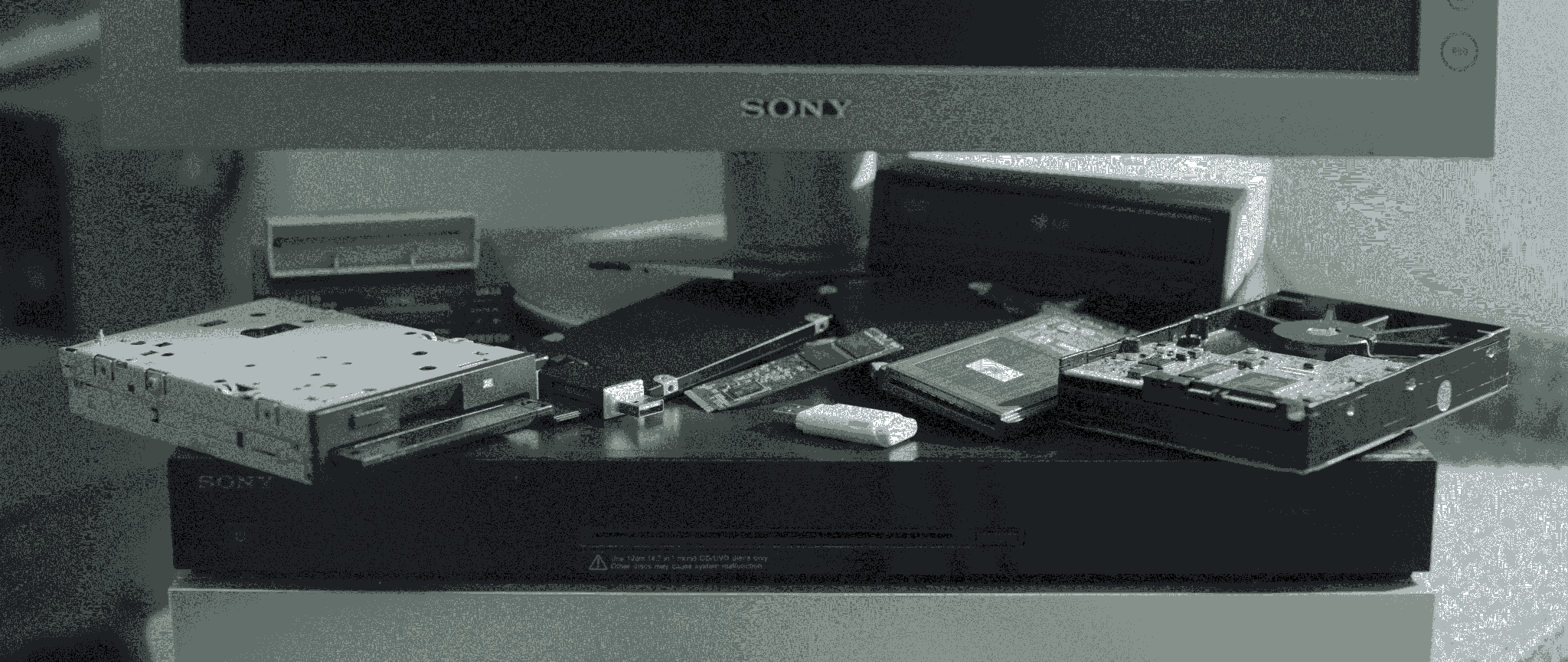
From tape backup drives to 3.5-inch floppy disks for their corresponding drives, 5.25-inch floppy disks, ZIP drives, analog console cartridges such as those for the SEGA™ Master System/Megadrive, and including IDE/ATAPI.
It also features mechanisms to fine-tune the results based on the type of device and its communication bus. Supporting SSDs, the past glories of SCMs using the NVME protocol [PCI-Express bus] (Intel Optane / Intel P4800, Intel P5800X) which remain the fastest for most scenarios, as well as SLCs also using NVME which are the current reigning category (Solidigm D7 / P5810 which is SLC even though they copy the name of the SCMs), as well as the beginnings of solid-state drives under SATA/mSATA such as the Intel X25-E (SLC) and its 2-bit-per-cell variants (the MLC, X25-M), as well as the precursors of the NVME protocol, namely the Fusion IODrive (PCIE 1.0), Virident, not forgetting the fastest and precursor of NVME, in SLC, the Micron P320H (SLC via PCI-Express 2.0). |
||
|
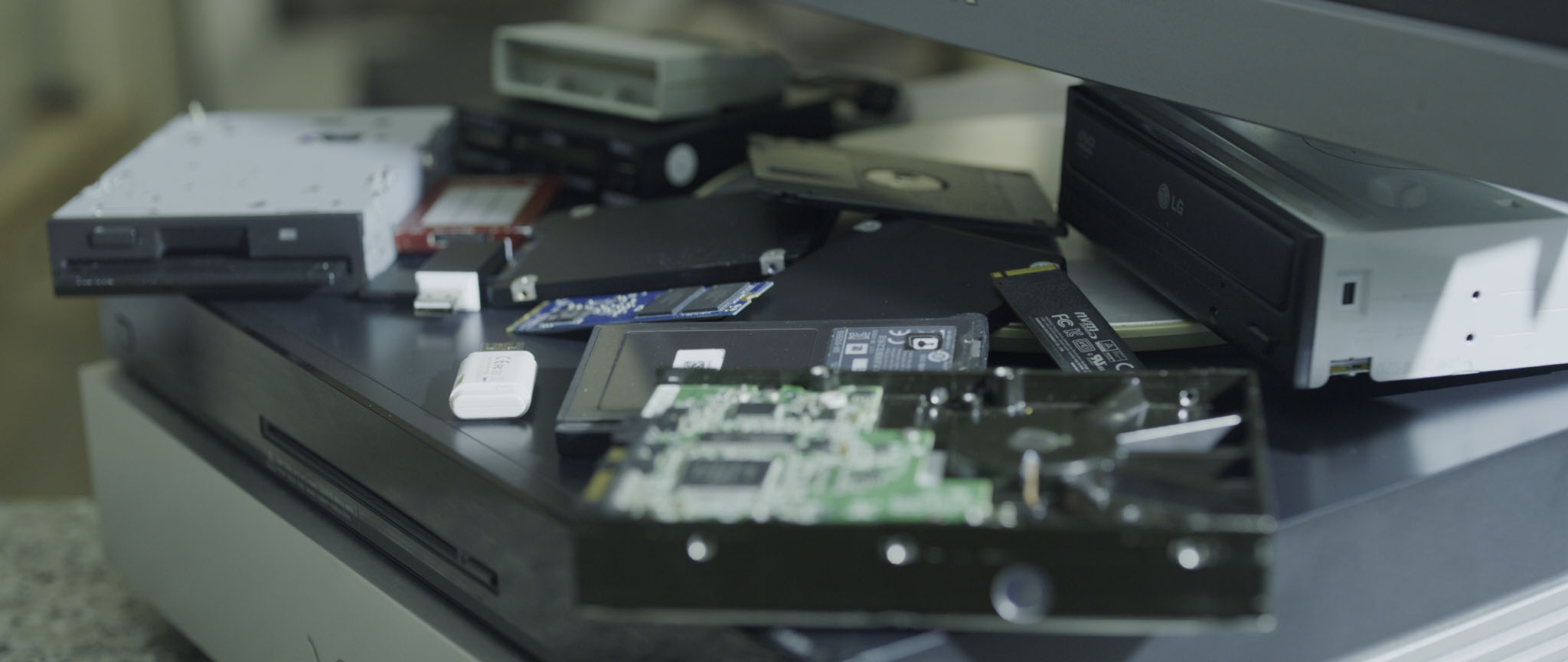
Supporting the most accessible and general-purpose TLC SSDs, as well as the less advanced QLC drives, and the most modern PCI-E drives. Of course, it works regardless of form factor, including 1.8-inch and embedded drives. It also reads and writes to frequently used media such as those with a USB interface, like HDDs/SSDs and optical drives (CD/DVD/Sony™ Optical Storage, etc.). Compact Flash, SD Card, and Memory Stick flash drives are also supported. In short, this program goes beyond simply providing information. With a user-friendly interface, accessible to both experienced and younger users, one of the application's priorities is to provide public information about the drives and measurement results, helping both professionals and enthusiasts quickly find the most suitable devices for their needs, including via the web. |
||

| |
||
Detailed information.
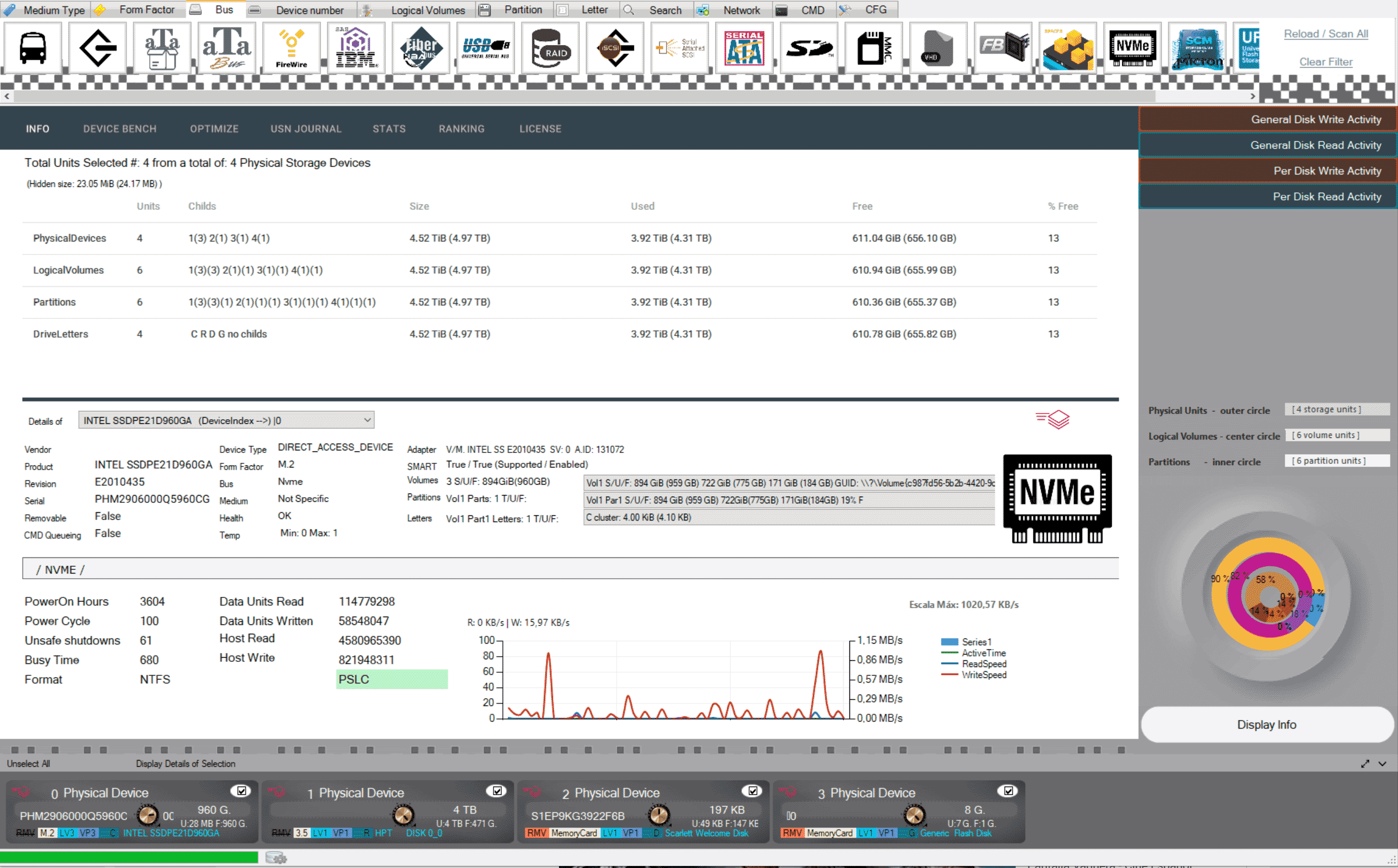
Unlike other applications on the market that use WMI (Windows Management Instrumentation), DST runs low-level Windows API libraries, allowing it to certify information obtained by directly querying storage devices when run in administrator mode.
DST goes far beyond a simple informational label. |
||
| |
||
Certified
DST issues and optionally publishes certificates of validity for storage devices: this is useful, for example, for large companies or institutions and their administrators, so that when requesting the certificate from the application, they can verify that on a certain date, a specific device had a certain number of disks with a specific performance, total/used capacity, etc. This is useful for preventing system failures and anticipating possible upgrades of storage equipment.
|
||

| |
||
Complete filtering.
DST covers a vast number (if not almost all) of storage devices. It includes a function for filtering drives based on type, bus, form factor (dimensions), etc.
Since the program consumes a certain amount of resources, the user will only obtain information for those storage devices that meet the criteria. |
||
| |
||
Realtime analysis of data device activity.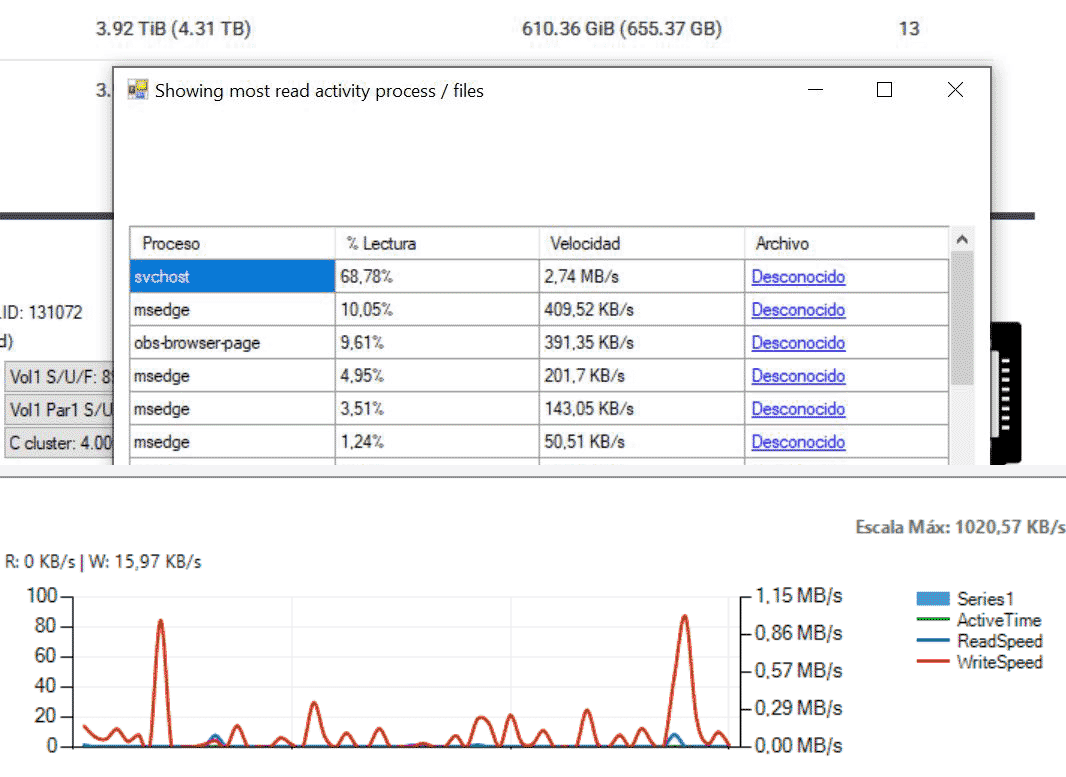 At a general level (all drives) and for a specific drive, it displays a graph that updates every second, showing a statistical line of bandwidth usage for both reading and writing. It includes a pop-up feature for direct access, via a link, to the applications or processes that are using the most read or write resources in the current operating system execution, all in real time. |
||
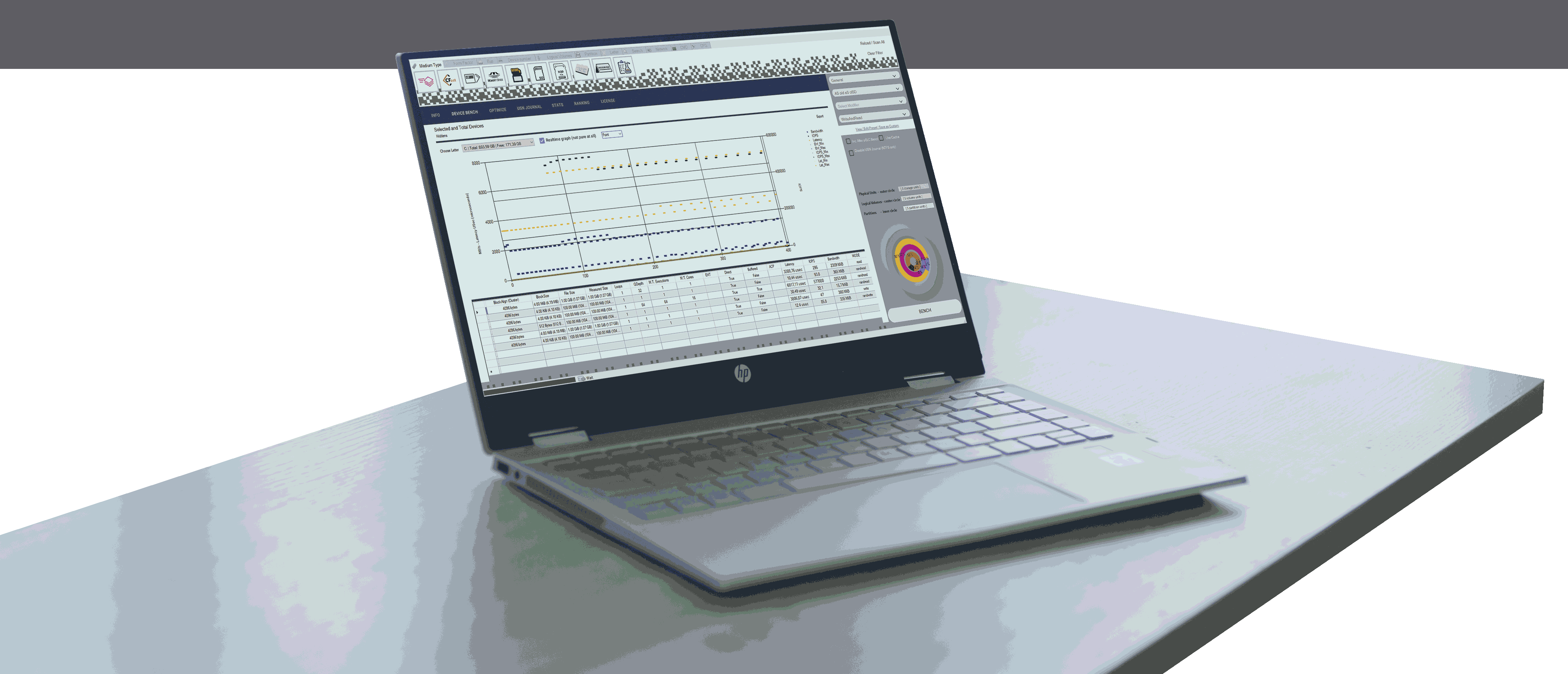
Multiple real-time measurements, directly to the device.Bandwidth, latency, and number of input/output operations per second. A multitude of configurable presets that you can save and share. Graphs of the measurements, exportable. |
| |
||
Advanced mechanisms that are easy to apply.
The measurements (real-time under Windows 7 and later) are performed using the integrated engine (reprogrammed in C) that executes instructions directly to the storage units.
It includes optional parameters for pure measurements, both to bypass the RAM buffers of the devices themselves and to bypass the operating system cache. Numerous graphs can be exported as images. Results exportable as PDF reports* coming soon
|
||

| |
||
Engine with more than 100 parametersPredefined presets for a multitude of purposes.
DST comes with pre-configured templates for various standard scenarios depending on the use case, including presets for sequential and random measurements, higher or lower percentage read or write speeds, and the ability to change the total size to be measured, even within the customizable size of the file to be written, its format, and much more.
Whether you manage databases, operating systems, virtual systems, or similar environments where you want to use measurements based on the default cluster size (typically 4096 bytes for the OS or sometimes slightly larger for SQL), DST includes presets for this purpose. It also includes settings for workstations designed for video/film editors and broadcasters, where, depending on the video format, different presets will show you the actual speeds of your disks. This applies whether you use uncompressed or compressed video, distinguishing in the latter case whether you are writing or reading from intraframe formats like ProRes or DNxHD, or not, as is the case with H.264 and H.265 in VBR (Variable Bit Rate) mode (as opposed to the also supported CBR). |
||
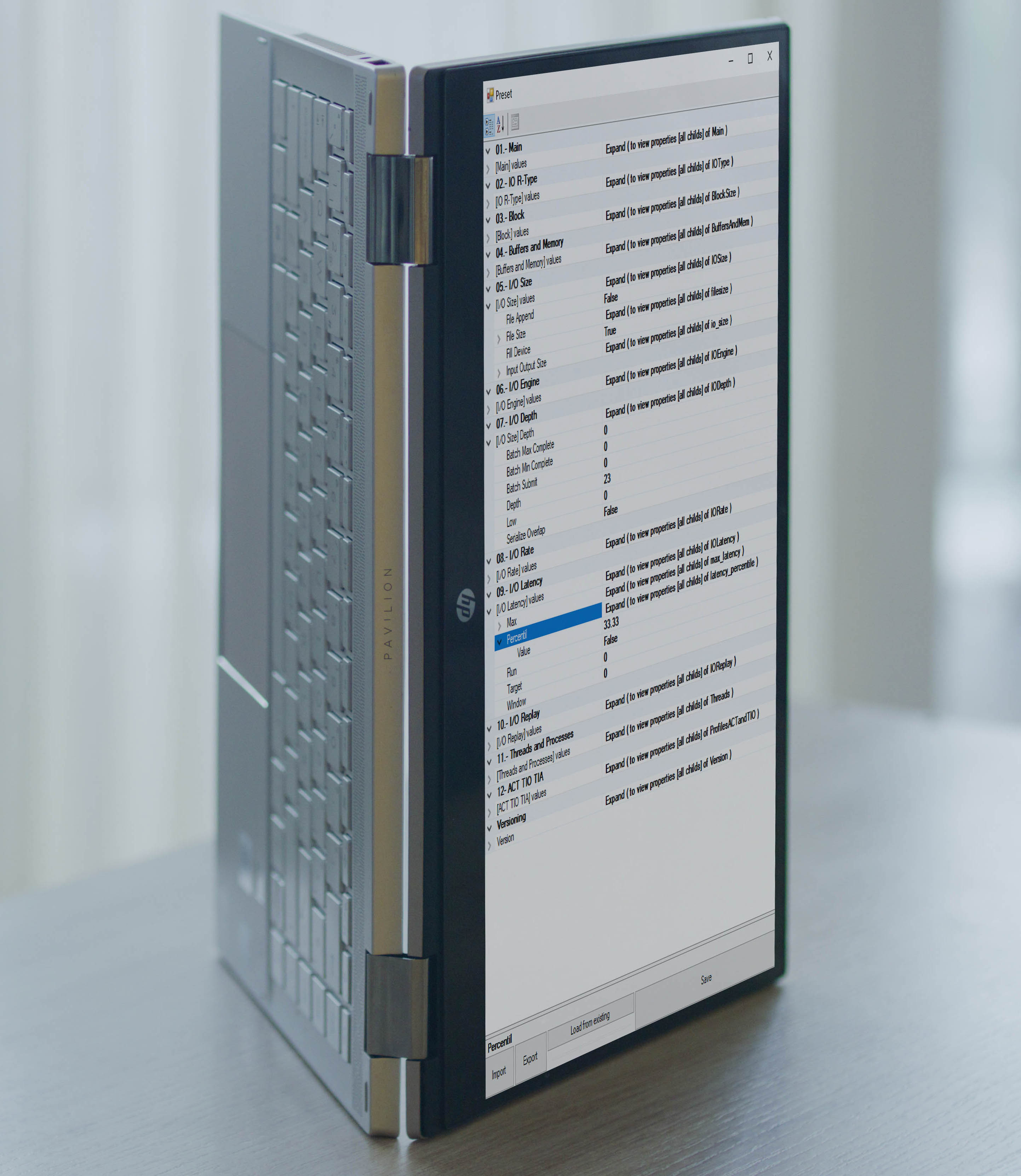 Preset editor that you can use from another screen, even in portrait mode.
|
With the preset editor included in the Professional and higher versions, which you can access directly from one of the pre-configured presets or by starting from scratch, depending on your needs, you can customize a vast number of settings, grouped for easier understanding.
Each collection of parameters/values constitutes a command, for example: sequential operation with a 5MB file size, working with a 1MB file, Queue Depth 1, Threads 1, and another, for example, random operation with a 1MB file and working with Q16T32. The set of commands constitutes a preset. Then, once selected in the program's "BENCH" section, you can apply a specific preset to a read, write, or read/write operation. DST is the only program that allows you to find out the maximum speed of your storage drive because, for example, if you have a workstation with 64 cores and 128 threads, you can apply it to Q64T128Whether it's key settings like file size, number of loops, command queue, or concurrent processes (Queue Depth and Threads), DST includes a wide range of parameters to define, not only whether you're looking for read or write operations and their percentages, random or sequential execution, ratios, and other parameters to adjust latency measurement, etc.In fact, it includes parameters under the ACT/TIO protocol, useful in the aerospace and military industries. All of this is easy to edit, save, share, load, and execute, always with security. By default, DST encodes presets so that only authorized users can see the modified settings. The encryption feature included in the Enterprise and Institutional versions goes even further, allowing users to define their own password for each command/preset file, so that only those who know it can import, view, and use those parameters. |
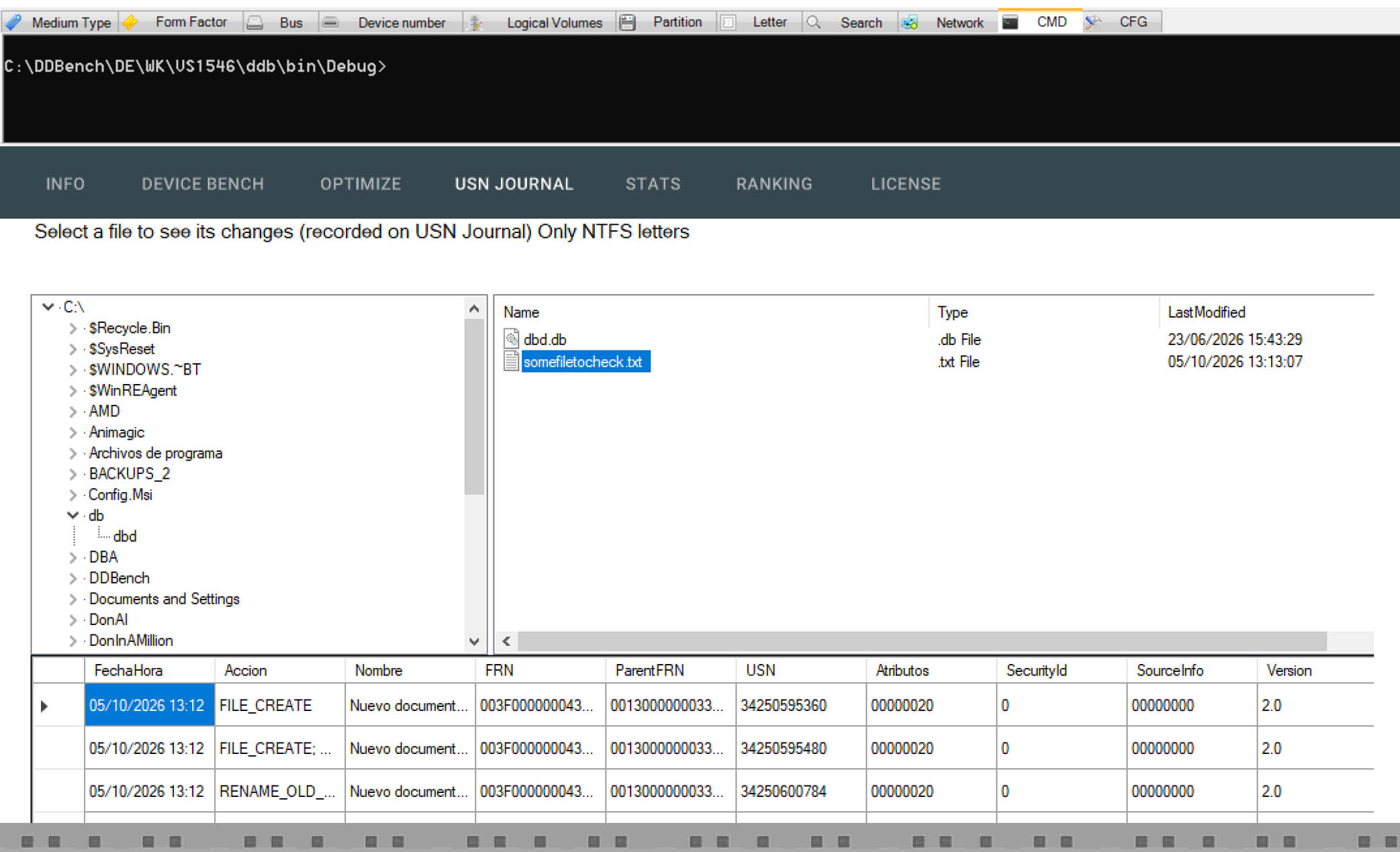
The previous "phrase" defines, in context, the incorporated utilities.
|
| |
||
DST's mission : To find out through public data the best storage for all types of users or companies based on usage, environment, and machine.
We are working on allowing users to upload tests under their own nickname, without displaying any personal data in accordance with the Spanish Data Protection Law (LOPD), or, if the user consents, automatically upload all tests performed by the application in Anonymous mode.
This is expected to create a reliable, public database with extremely valuable data, as it will store speed data for each preset (including standard presets) for the make and model of the storage unit being measured, the total used/free space on that unit, as well as the operating system, CPU, and RAM. Therefore, through the program itself or without it, anyone can access the website where the results will be published (cached for faster access). There, you can see the fastest storage units based on their use case (preset), type (hard drive, SSD), bus (SATA, PCIe, etc.), form factor (2.5", M.2, etc.), and a host of other factors that allow for filtering. This is one of the goals of DST and any other programs we may develop (for CPUs, GPUs, and RAM). An advanced yet easy-to-use environment that allows secure data sharing so that the IT community and professionals can find and use the optimal equipment for their needs. |
||


